
What Determines LCD Readability in Bright Environments
Outdoor LCD readability is determined by the entire optical and thermal system, not by backlight brightness alone. Ambient light, cover-surface reflections, viewing angle, display contrast, enclosure design, and operating temperature all affect what an operator can see. A sunlight-readable display should therefore be specified and tested in the intended product configuration.
Start by identifying the source and direction of ambient light, the normal viewing position, and the information operators must read. These details guide the balance between display output, optical treatments, and mechanical design.
Brightness must be considered with contrast and reflections
A stronger backlight can improve visibility, but reflected sunlight can still obscure content if the front surface or internal interfaces return too much light toward the viewer. Evaluate the display’s apparent contrast with the intended cover glass, surface finish, touch sensor, and any optical bonding. Viewing angle and content design also matter: small text, thin lines, and low-contrast color combinations may be difficult to read even when the screen is bright. Compare candidate assemblies under representative illumination rather than choosing from a backlight figure alone.
Thermal and power limits shape sustained operation
Increasing backlight output can raise power demand and heat inside a sealed enclosure. The LED backlight, driver, display electronics, and surrounding components must operate within their specified conditions after the product reaches thermal equilibrium. Direct sun on a dark enclosure can create a different internal temperature from ambient air, so evaluate solar loading, ventilation or heat spreading, duty cycle, and power budget. The design must balance readable output with operating life, energy use, and the temperature limits of the complete assembly.
How to Specify a Sunlight-Readable Industrial LCD
Translate the installation environment into measurable design and test conditions. An early prototype can reveal whether the main issue is brightness, reflection, viewing geometry, heat, or a combination of factors.
Define the viewing and environmental conditions
Document direct or indirect sun exposure, expected viewing angles, installation orientation, display-on duration, enclosure material, and whether operators wear polarized eyewear. Confirm whether the product is stationary or mobile and whether the screen is shaded by a bezel or hood. Select the cover treatment and touch configuration with these conditions in mind, because each layer can affect transmission and reflection. If visibility is safety-critical, define the necessary on-screen information and conduct a human-factors review under realistic conditions.
Test the production-intent assembly, not a bare panel
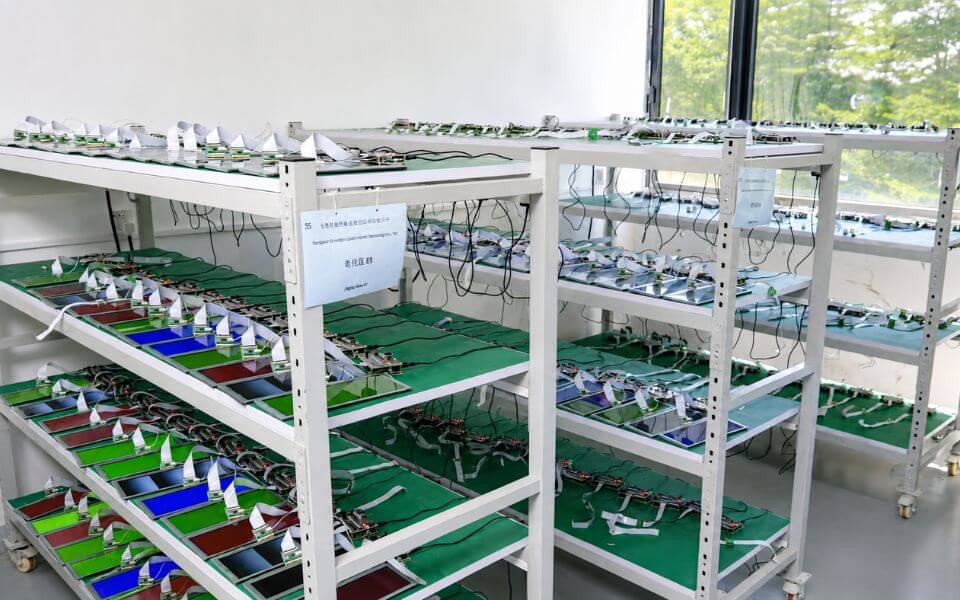
Evaluate brightness settings, contrast, reflections, color appearance, thermal behavior, and touch operation after the display is installed in its enclosure. Include warm-up and sustained operation, expected power input, and any protective glass or optical bonding. Confirm that brightness control and backlight drive are compatible with the host electronics. MAXEN can review the display and integration requirements for an OEM project; final readability should be assessed on the actual stack and installation rather than inferred from a component datasheet.