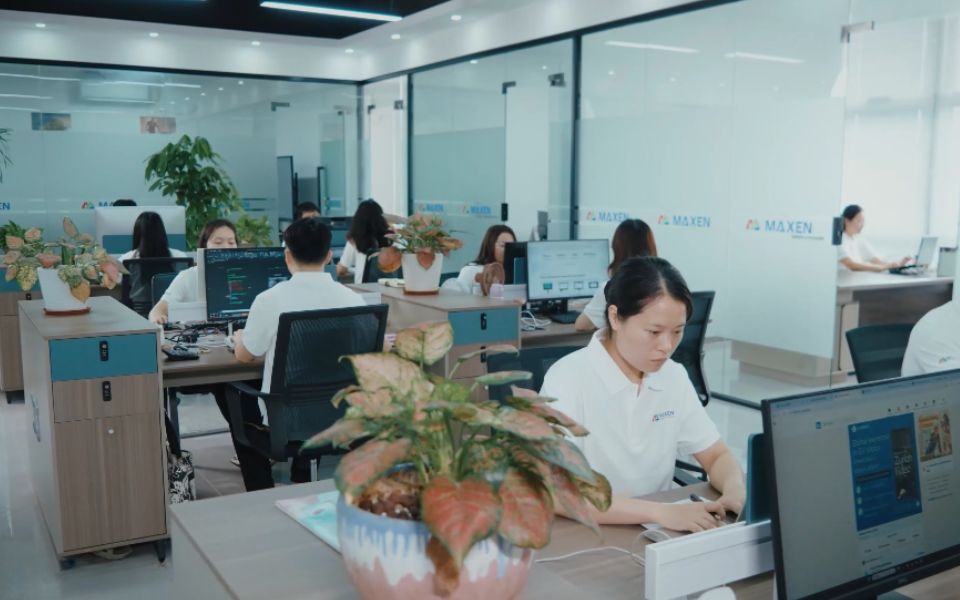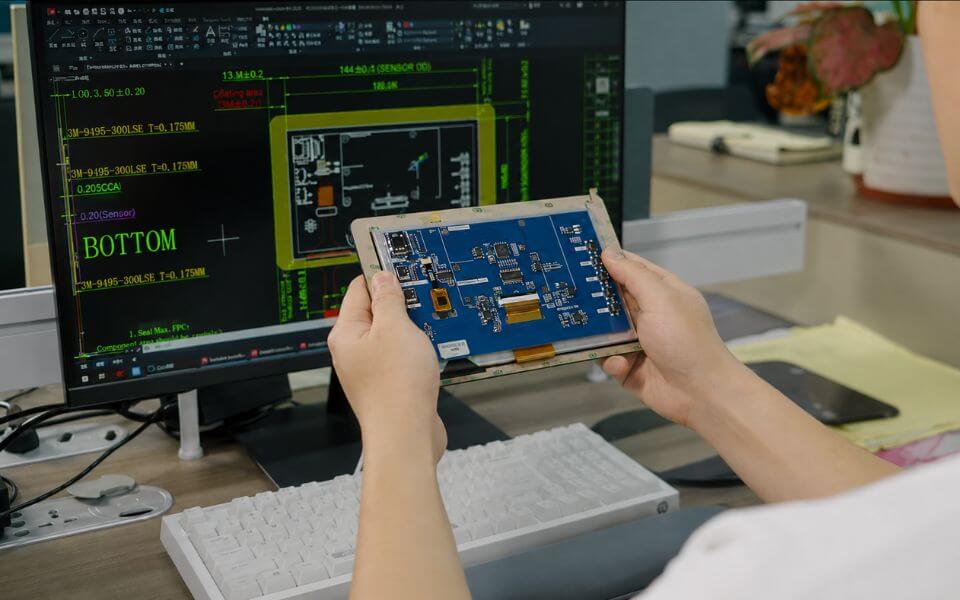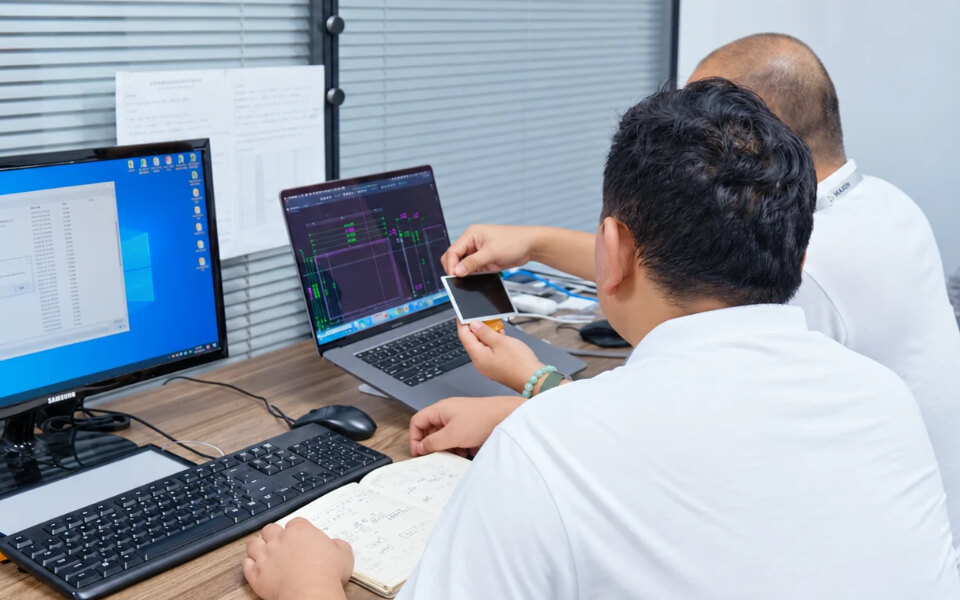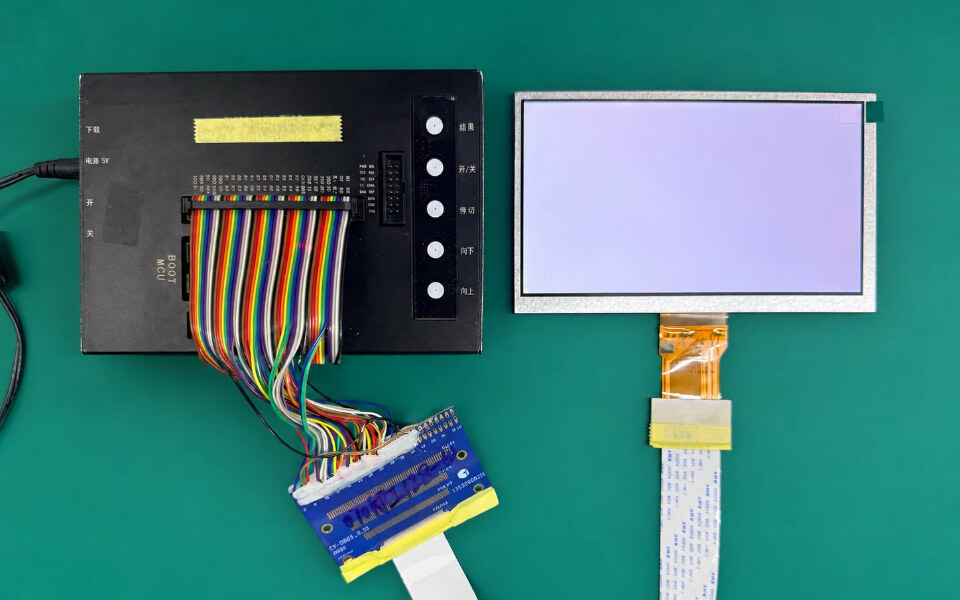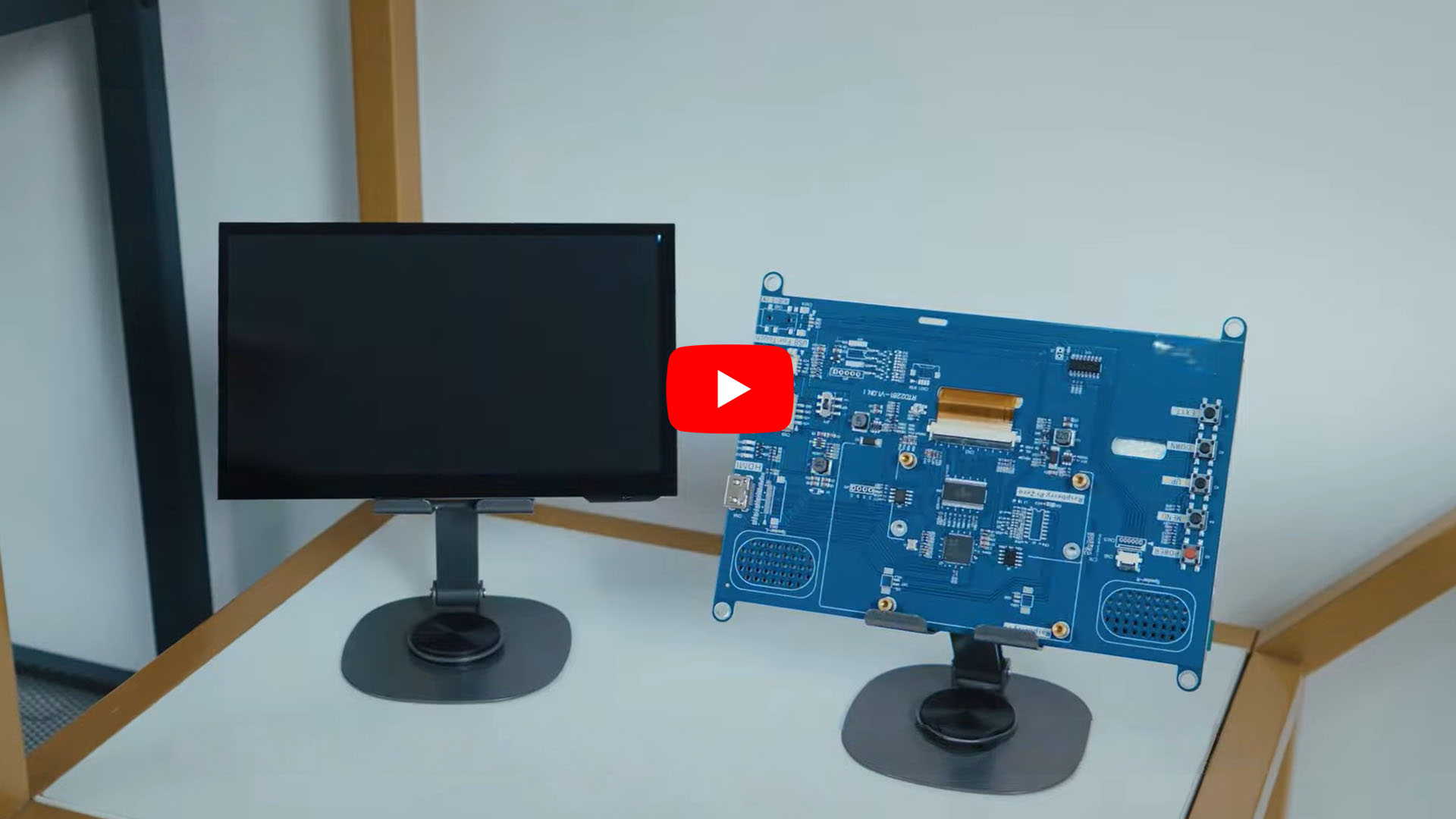

Explore MAXEN's LCD display video resources to begin reviewing product formats and preparing questions for an OEM display project. A product video can provide a useful point of reference when discussing the appearance, presentation or arrangement shown in a demonstration. It also gives engineering, purchasing and product teams a shared item to review before requesting more detailed information about a particular module.
Start with the subject of the video and identify the product or format that interests you. Consider what you want to learn from the demonstration, which details are actually shown and which questions still need a drawing, datasheet or direct discussion. Connecting visual material with the exact model information helps keep an initial review focused on the intended device.
Use this library alongside MAXEN's product pages, application guides and industry knowledge resources. The video entry can introduce a topic, while the selected configuration and technical documentation support a more detailed comparison. When you contact our team, include the video title or relevant model number so we can connect your questions with the appropriate product information.
LCD Display Video Resources for Product Review
The video library provides a starting point for exploring display products through visual material. Choose an entry relevant to the screen format or device concept you are investigating, then review the information supplied with it. Identify whether the subject is a particular module, an assembly or a broader product topic before drawing conclusions about the configuration involved.
The 14.5-inch stretched bar LCD display entry introduces an elongated screen format as a topic for further review. If this format is relevant to your equipment, use the entry to frame questions about the active area, outline dimensions, orientation, interface and installation requirements. Request the exact product information before comparing it with your enclosure or electronics. A format or screen-size description alone does not establish a complete module specification.
For team discussions, a video title and a short list of observations can be more useful than a general reference to a display category. Note what prompted your interest and what the demonstration leaves unanswered. Where a particular moment illustrates your question, record the timestamp and explain the feature or behavior you want to discuss.
Keep the review tied to the displayed product and the information accompanying the entry. Confirm model details and any proposed configuration changes with MAXEN before using a demonstration as the basis for a new design or replacement decision.
What to Look for in a Display Demonstration
Begin with the purpose of your review. You may be investigating a screen format, considering an operator-interface layout or clarifying how a proposed assembly could fit into the device concept. Identify which of those questions the video can help you explore and which need additional technical information.
Where the relevant details are visible, review the presentation of on-screen content, the viewing positions shown and the relationship between the display and surrounding components. If touch operation is demonstrated, note the actions being shown and any operating conditions described. Avoid assuming that a demonstration includes features or test conditions that are not identified in the entry.
Turn observations into specific follow-up questions. For example, ask for the module drawing, interface details, touch configuration or the conditions used for a demonstration. This helps the discussion move from a visual impression to information that can be checked against the project requirements.
Connect the Video with the Technical Specification
Confirm the product identity first. Record the video title and any model number provided, then request the corresponding specification and drawing. If the demonstration uses additional components, ask which items are part of the proposed supply configuration and which belong to the setup used for the recording. That distinction matters when comparing a module, display assembly and complete device.
Review the electrical and mechanical details against your equipment. Relevant information includes resolution, interface, connector arrangement, outline dimensions, active area, thickness and cable direction. Explain any constraints imposed by the host electronics or an existing enclosure. Similar-looking displays may have different integration requirements, so use exact model information for the comparison.
Define the conditions the finished product must support. Share expected ambient lighting, operating and storage temperatures, installation position and touch requirements where applicable. A video can support a discussion about what is shown, but it does not establish measured performance or suitability under conditions outside the demonstration. Ask for the applicable data and confirm any evaluation requirements for your project.
Plan sample review in the intended device. Agree on the proposed configuration, supporting documents and points to assess, including appearance, fit, interface behavior and touch operation if required. Keep feedback linked to the model and drawing version being evaluated. This creates a clearer reference for discussing revisions and deciding what needs to be confirmed before production planning.
Ask MAXEN About a Product Featured in a Video
Send our team the video title or link together with your application and the question you want to resolve. If a specific part of the recording prompted your enquiry, include the timestamp and a brief explanation. This helps connect the discussion with the correct entry and avoids uncertainty about the product or feature involved.
Useful project information includes the preferred screen size and resolution, electrical interface, available installation space, brightness expectations, touch requirements and operating environment. Provide a drawing or reference model where possible. For a replacement project, identify the dimensions and connections that must remain compatible with the existing equipment.
If you are considering a custom LCD display, separate essential requirements from options that can be discussed. Include your target sample schedule, estimated order quantity and any inspection or documentation needs. MAXEN can then discuss the relevant product information and the details required for the next review. Confirm the proposed configuration and sample evaluation scope before proceeding with the project.