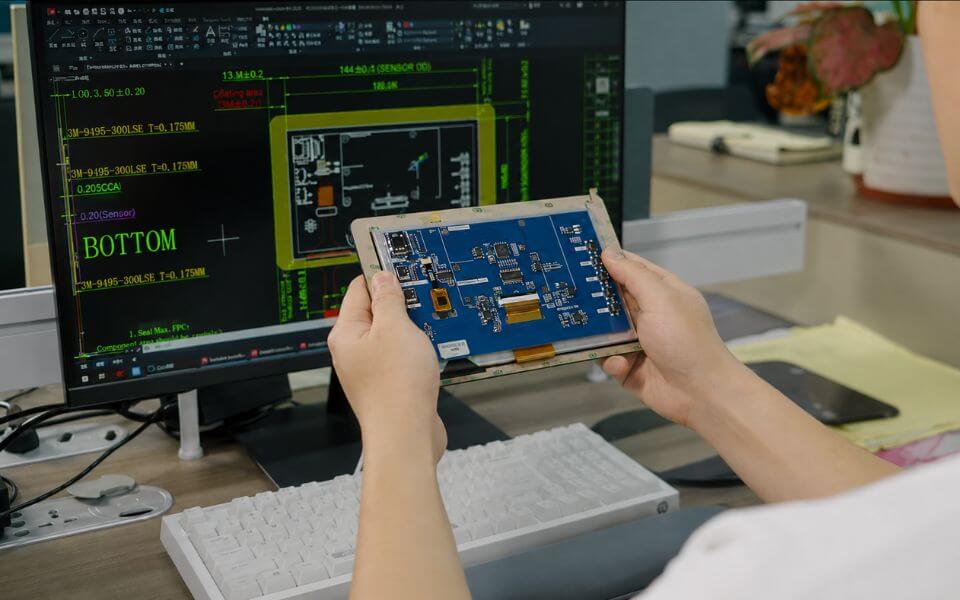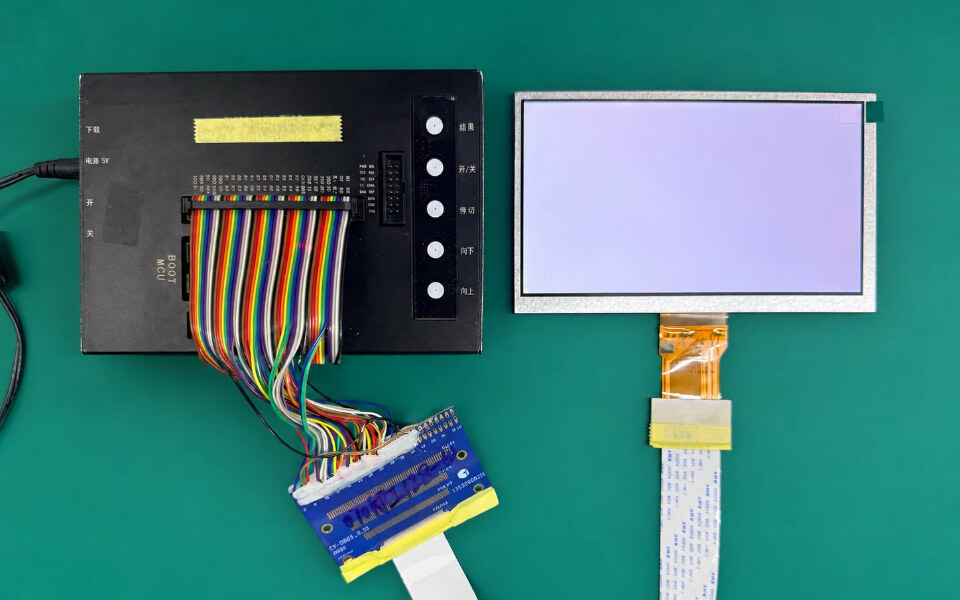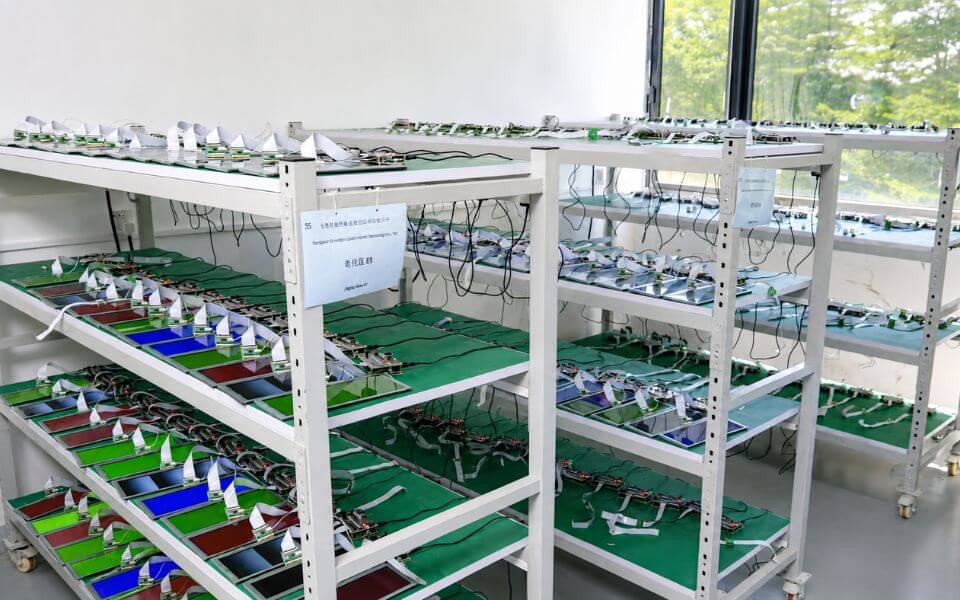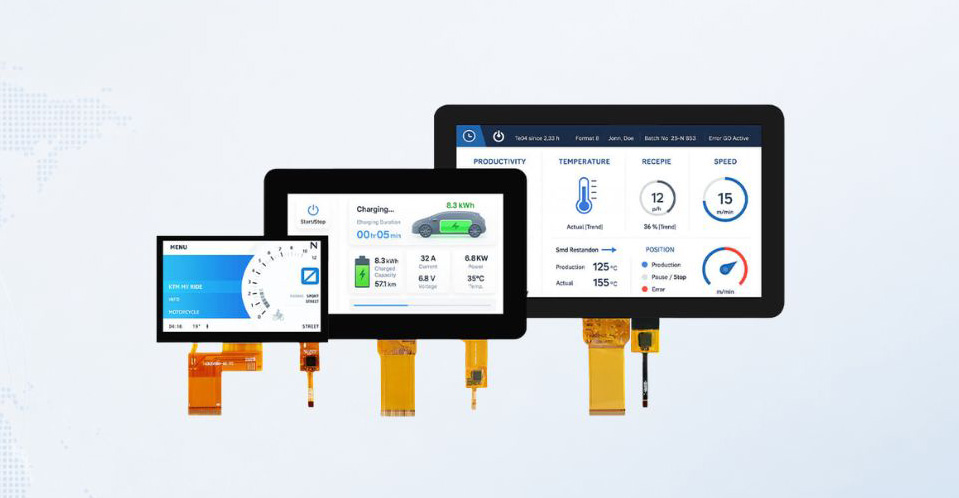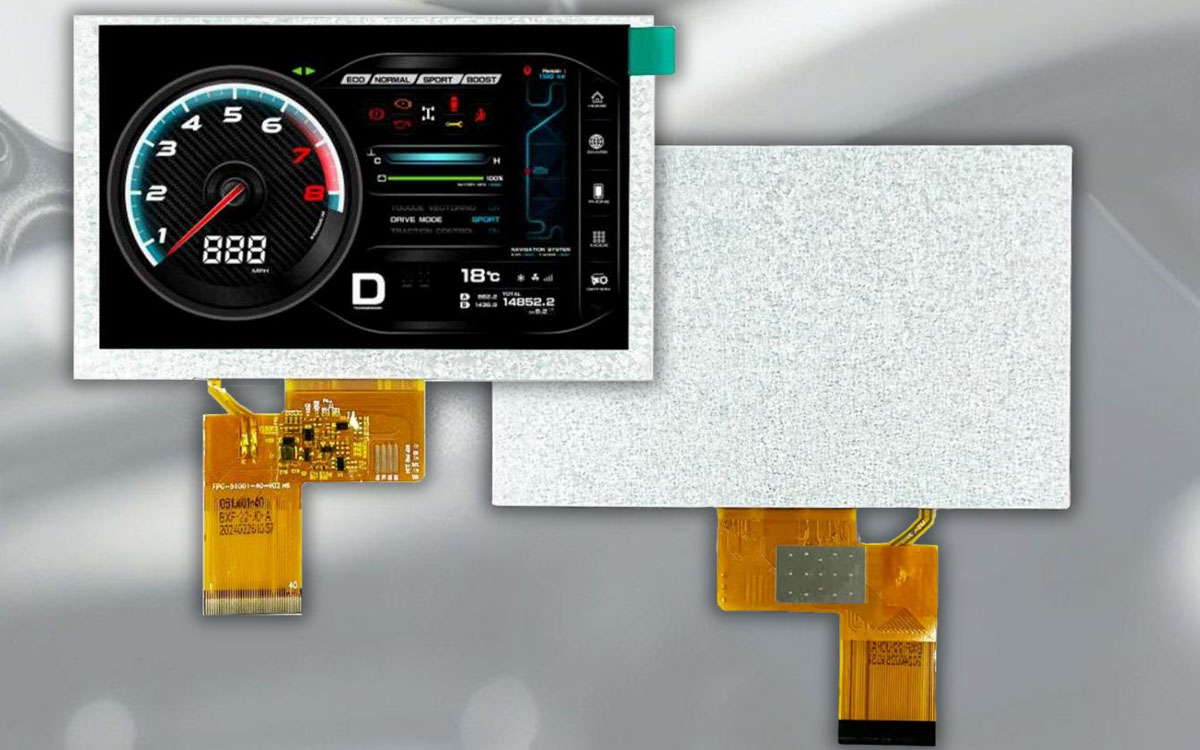

Understanding LCD display technology helps turn a list of product features into a clear equipment specification. Screen size, resolution, brightness, touch input and mechanical dimensions all matter, but their significance depends on how the display will be used. MAXEN's Industry Knowledge section brings together technical topics and design considerations for OEM teams comparing display options or preparing a new project.
Explore the guides on this page to work through practical questions: which touch approach deserves evaluation, what to review when considering optical bonding, how to describe outdoor viewing conditions, and which requirements matter for wide-temperature or nonstandard display formats. Each topic provides a starting point for a more focused discussion of the intended device and its constraints.
Use these resources alongside the datasheet and drawing for the exact module under consideration. Technical reading helps identify questions and compare approaches. Product-specific documentation and sample evaluation provide the information needed to assess a proposed configuration. Whether you are selecting a standard module or discussing a custom LCD display, a shared understanding of the requirements makes the next engineering review more useful.
Explore LCD Display Technology by Design Question
Touch input and user interaction. The capacitive and resistive touch screen guide introduces a decision that should be considered in relation to the device and its users. Start with the actions the interface must support, the expected operating conditions and any requirements involving gloves, moisture or the front surface. Review the touch controller, cover arrangement and installation together, then confirm the available configuration and evaluation method for the project.
Optical bonding and the viewing assembly. The optical bonding guide focuses on benefits, limits and selection considerations. Use it to identify the questions to discuss about the display, touch panel and cover components as an assembly. Explain the viewing environment and the requirements that prompted interest in bonding. Confirm which combinations are available, what the proposed stack includes and how the assembly should be evaluated before treating bonding as a defined project requirement.
Outdoor readability and temperature conditions. The sunlight-readable and wide-temperature guides address different parts of the operating environment. For outdoor viewing, describe ambient light, installation angle, enclosure shading and the information users need to read. For temperature requirements, state the expected operating and storage conditions and the evaluation criteria relevant to the equipment. Brightness, power requirements, enclosure conditions and the complete front assembly should be reviewed together for the intended design.
Stretched bar and round formats. Nonstandard display formats introduce questions about the visible area, content layout, enclosure opening and available installation space. The format guide provides a starting point for considering these relationships. Compare the active area, outline dimensions, orientation, cable arrangement and interface of a specific module with the proposed device drawing. Confirm how the user interface will be presented before finalizing the mechanical layout.
Compare Benefits, Limits and Integration Requirements
A useful technical comparison identifies both the reason to consider an option and the conditions that need checking. A feature that addresses one design question may introduce further requirements for the enclosure, electronics, power budget or evaluation setup. Read each topic with the complete device in mind, and note which details are established and which remain open for discussion.
Keep the comparison tied to the exact product configuration. Record the model number, drawing version, touch arrangement and any relevant cover or cable details. Where two options use different specifications or test conditions, clarify those differences before comparing results. This gives engineering and purchasing teams a common reference and helps prevent a general description from being mistaken for a confirmed product capability.

Stretched Bar and Round LCD Displays: Design Considerations for Nonstandard Formats
Stretched bar and round LCD displays let equipment designers place information in an enclo...
Wide-Temperature TFT LCDs: How to Specify Displays for Hot and Cold Environments
A wide-temperature TFT LCD must operate reliably across the temperatures experienced by th...
Sunlight-Readable Industrial LCD Displays: Brightness and System Design
Outdoor LCD readability is determined by the entire optical and thermal system, not by bac...
Optical Bonding for LCD Displays: Benefits, Limits, and Selection
Optical bonding places a transparent adhesive between a display panel and its cover glass ...
Capacitive vs. Resistive Touch Screens: How to Choose for Industrial Equipment
Capacitive and resistive touch screens convert user input into an electrical signal in dif...
Turn Technical Knowledge into a Display Specification
Begin with the user interface. Describe what the screen must show, how close users will be, which viewing positions matter and whether touch input is required. Define the preferred screen size, resolution, orientation and content layout. If the interface is replacing an existing display, identify the dimensions, connections and behavior that need to remain compatible.
Describe the operating environment. Share lighting conditions, operating and storage temperatures, expected use periods and any exposure relevant to the front assembly. State requirements for gloves, cleaning or moisture where applicable. Use specific conditions and acceptance criteria where they are available. Broad labels such as industrial or outdoor help introduce the application, but the selected configuration still needs review against the actual equipment requirements.
Review the electrical and mechanical interfaces. Include the host connection, connector details, cable direction, available thickness and enclosure drawing. Distinguish fixed constraints from preferences that can be discussed. A similar screen size does not establish compatibility, so compare the exact drawing and electrical requirements before moving forward with a proposed module.
Plan sample evaluation around the intended device. Agree on the configuration, supporting documentation and points to check, including appearance, mechanical fit, interface behavior and touch operation where relevant. Identify any additional environmental or reliability evaluation required for the application and confirm the methods and scope available. Keep sample feedback linked to the approved drawing and specification so that proposed changes can be reviewed consistently.
Discuss Your Display Requirements with MAXEN
Contact MAXEN when a technical topic raises a question about your equipment or helps identify an option worth evaluating. Include the guide title, intended application and the decision you are trying to make. A short explanation of the installation and user interaction can help connect a general technology discussion with the requirements of your device.
Useful project information includes the preferred display size and resolution, interface, installation drawing, brightness expectations, touch requirements and operating environment. For a custom LCD display, explain the changes under consideration and identify any dimensions or connections fixed by an existing design. Share the target sample schedule, estimated order quantity and any documentation or inspection requirements that affect the review.
If some requirements are still undecided, describe the constraints and the development stage. Our team can discuss the relevant product information and the details needed for the next review. Confirm the proposed configuration and sample evaluation scope before using it as the basis for production planning.