
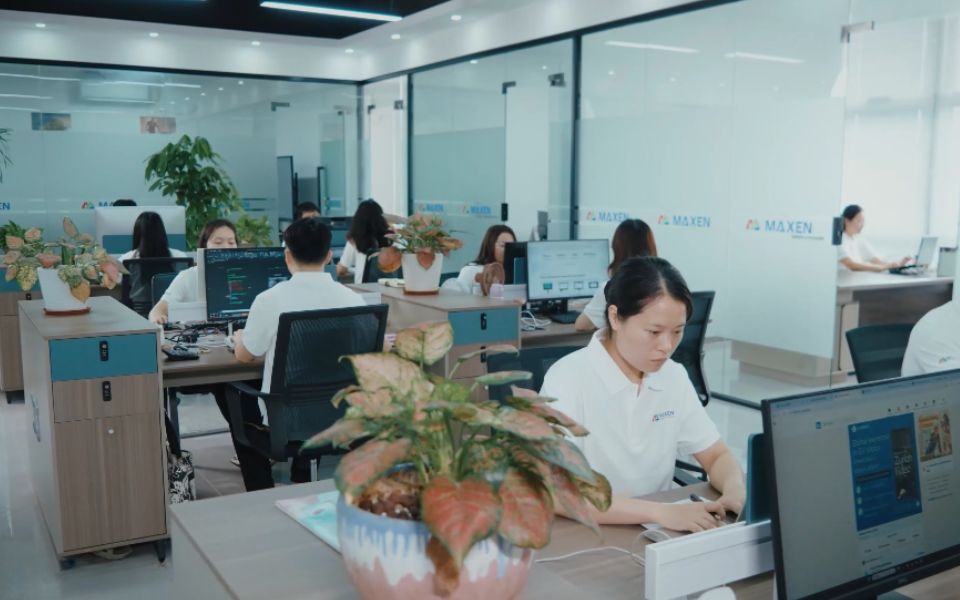
 STEP 01
Start OEM Projects with Clear LCD Display Specifications
MAXEN clarifies LCD display specifications, application conditions, and estimated order quantities.
Page excerpt of the FAQ page
Define the quality requirements around the selected display, its intended application and the approved specification. Relevant review points may include visual appearance, dimensions, image presentation, interface behavior, backlight operation and touch response where applicable. The exact inspection scope and available methods should be confirmed for the project. Agree on acceptance criteria and inspection conditions before evaluating samples or production results. For visual assessment, clarify lighting, viewing distance, viewing angle and any applicable cosmetic or pixel-related criteria. If additional environmental or reliability evaluation is required, specify the conditions, duration, sample quantities and acceptance limits to be discussed. Share any required inspection records or reports with MAXEN early. Keep the agreed criteria linked to the approved model, drawing and specification revision. This gives both teams a common reference for reviewing results, discussing changes and planning repeat orders.
Request a quotation for the exact display model or proposed custom configuration, including the quantity, required documents and target delivery date. MOQ and lead time need to be confirmed for that enquiry. They can be affected by the configuration, material availability, development work, order quantity and approval requirements. For a custom project, distinguish development or sample timing from the schedule for a production order. Confirm whether drawing approval, tooling, sample evaluation or other agreed milestones must be completed first. For a repeat order, identify the approved model and revision and check the applicable availability and schedule again. Before placing the order, confirm the quoted quantity, scope, pricing, payment requirements and delivery terms with MAXEN. Use the agreed quotation and order confirmation as the project reference rather than assuming that a general website statement establishes an MOQ or delivery commitment.
Evaluate the sample against the agreed specification and, where possible, in the intended device. Review mechanical fit, connector access, cable routing, electrical compatibility and image presentation. For a touch-enabled assembly, check the required touch actions and alignment with the displayed interface under the intended operating conditions. Agree on the evaluation setup and acceptance criteria before judging results. Visual checks should identify the lighting, viewing position and relevant cosmetic or pixel-related criteria. Where measured performance or environmental evaluation is required, confirm the methods, conditions and limits appropriate to the project. Record the model number, drawing version, setup and observations when sending feedback to MAXEN. Separate confirmed results from questions requiring further review. Resolve any proposed changes and agree on the approved configuration and documentation before using the sample as a reference for subsequent production.
Provide the intended application, preferred screen size and resolution, electrical interface, installation drawing and expected operating conditions. Include brightness expectations, viewing direction and touch requirements where relevant. If you need to replace an existing display, share its part number and specify the dimensions or connections that must remain compatible. Explain what you want to discuss, such as the cable arrangement, cover dimensions, touch configuration or complete assembly. Separate fixed constraints from preferences so the technical review can focus on suitable options. Also provide the target sample schedule, estimated order quantity and any inspection or documentation requirements. MAXEN can review the information and discuss the next details needed to assess the enquiry. The available configuration, development scope, tooling requirements, pricing and schedule should be confirmed for the specific project before proceeding.
Start with the device requirements: screen size, resolution, available installation space, electrical interface and operating environment. Then define the viewing conditions, brightness expectations and whether touch input is needed. If the equipment has an existing enclosure or controller, identify the dimensions and connections that must remain compatible. Compare the exact module datasheet and drawing rather than relying on screen size alone. Review the outline dimensions, active area, thickness, connector and cable direction, together with the electrical requirements. For a touch assembly, include the touch area, controller connection and cover requirements in the comparison. Send MAXEN your application, drawing or reference model and the requirements already decided. Explain which features are essential and which remain open for discussion. Confirm the proposed configuration and evaluate a sample in the intended device before completing the selection.
STEP 01Start OEM Projects with Clear LCD Display Specifications
MAXEN clarifies LCD display specifications, application conditions, and estimated order quantities.
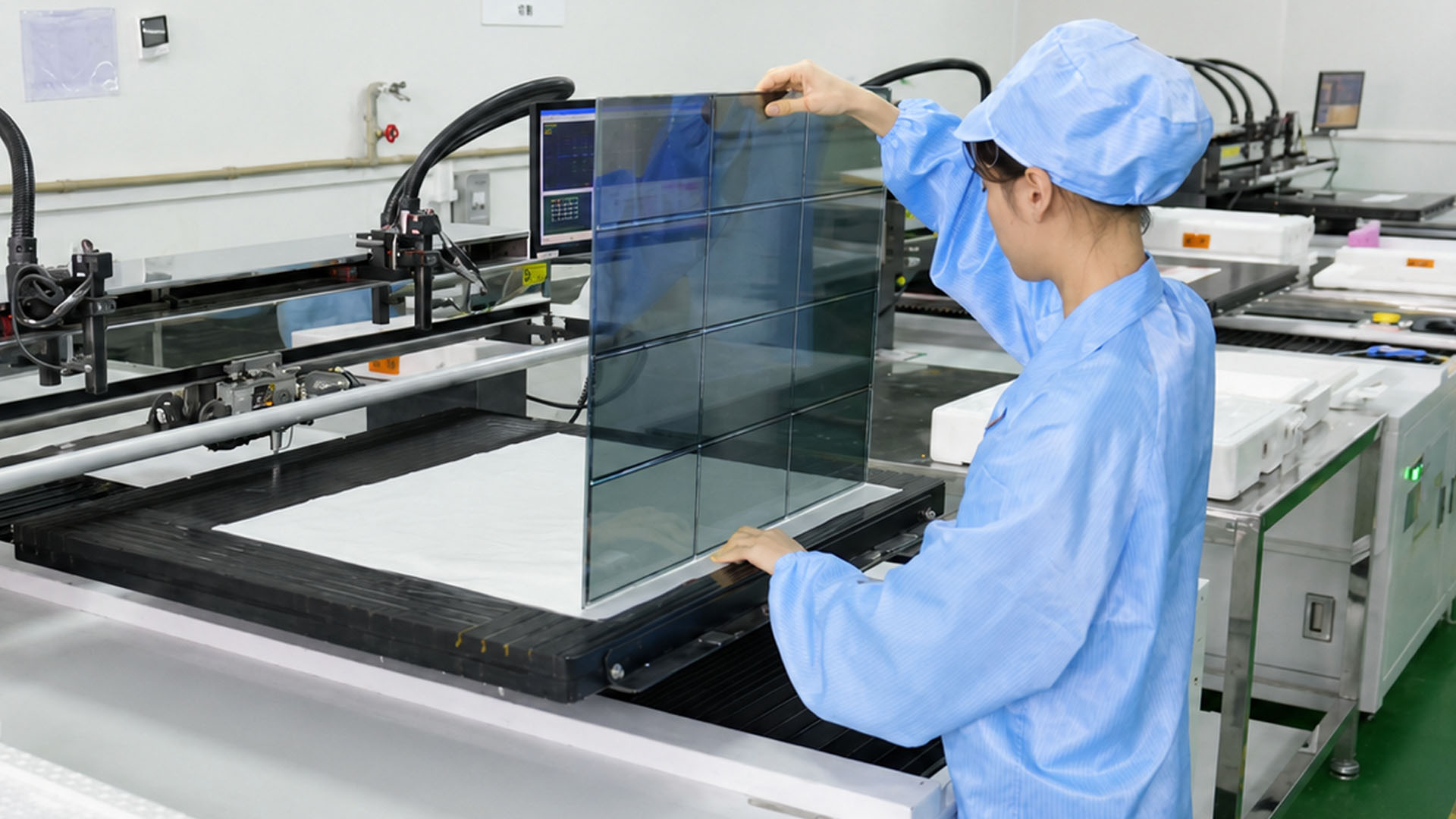
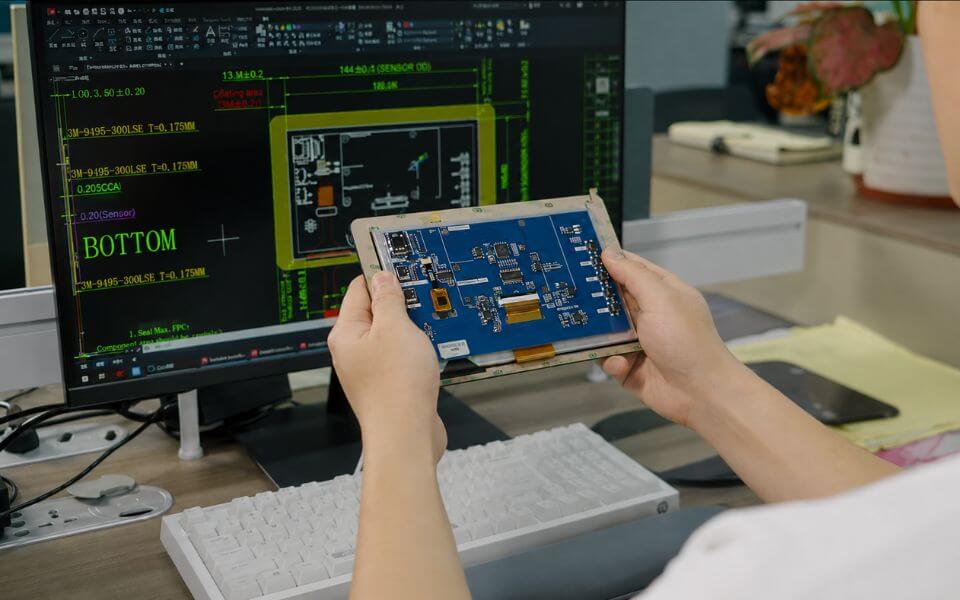 STEP 02
LCD Module Design & Engineering Review by TFT LCD Manufacturer
MAXEN engineers assess electrical compatibility, FPC design, and mechanical fit to guide product selection.
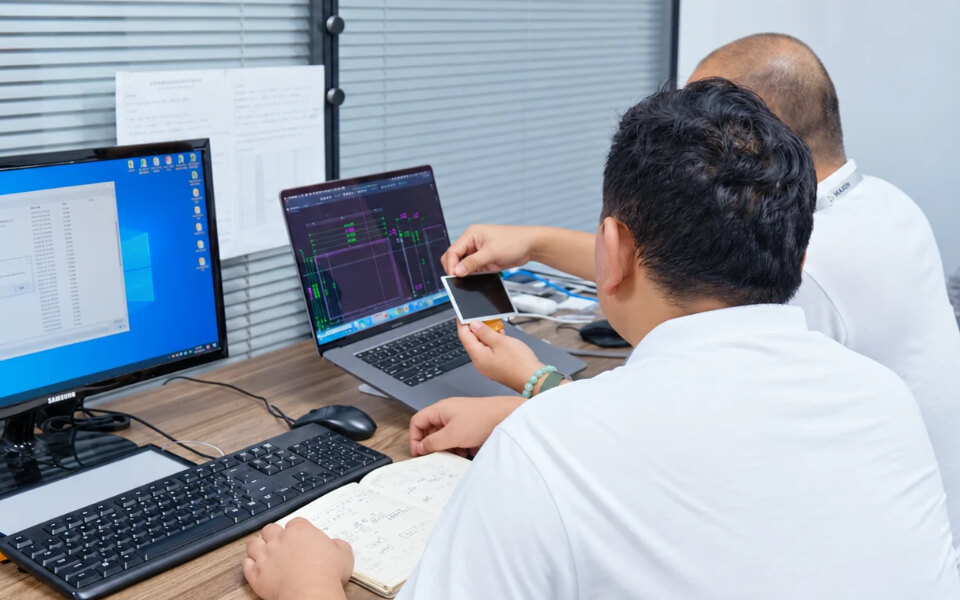 STEP 03
Get LCD Display Quotation with Proposed Solution From Professional LCD Display Factory
MAXEN provides LCD solution and quotation covering pricing, MOQ, lead times, and applicable tooling costs.
 STEP 04
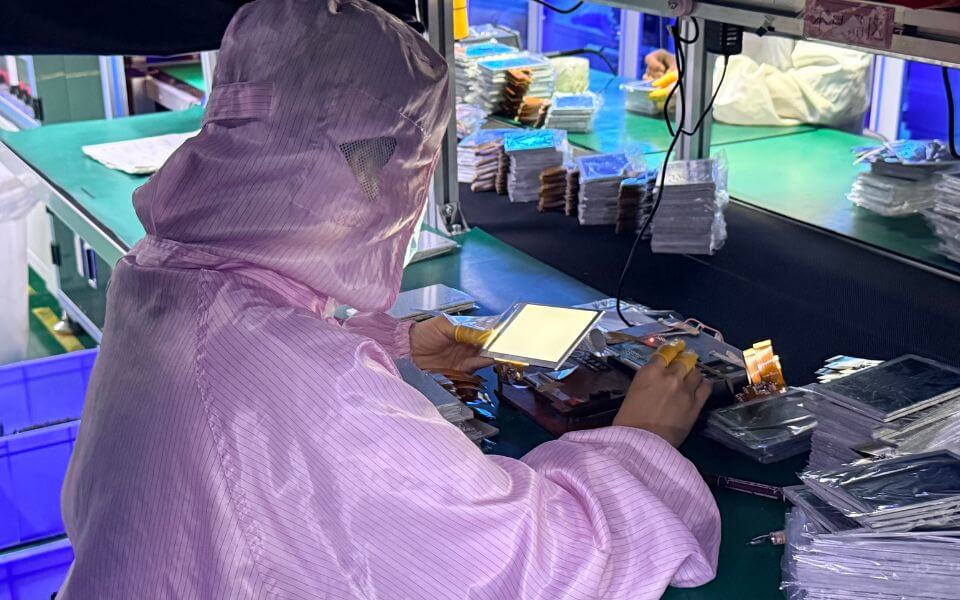
LCD Screen Prototyping & Sample Development by LCD Module Manufacturer
MAXEN supplies standard LCD samples or prepares custom prototypes after drawing approval.
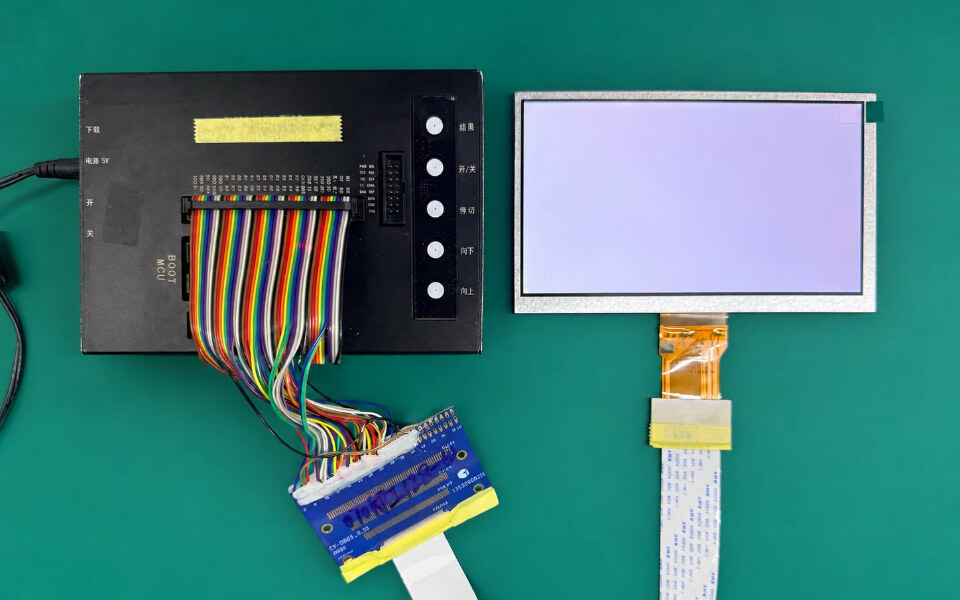
 STEP 05
LCD Module Testing Process & Sample Approval with LCD Display Manufacturer
MAXEN reviews sample results and drawings with customers to confirm acceptance criteria before production.
 STEP 06
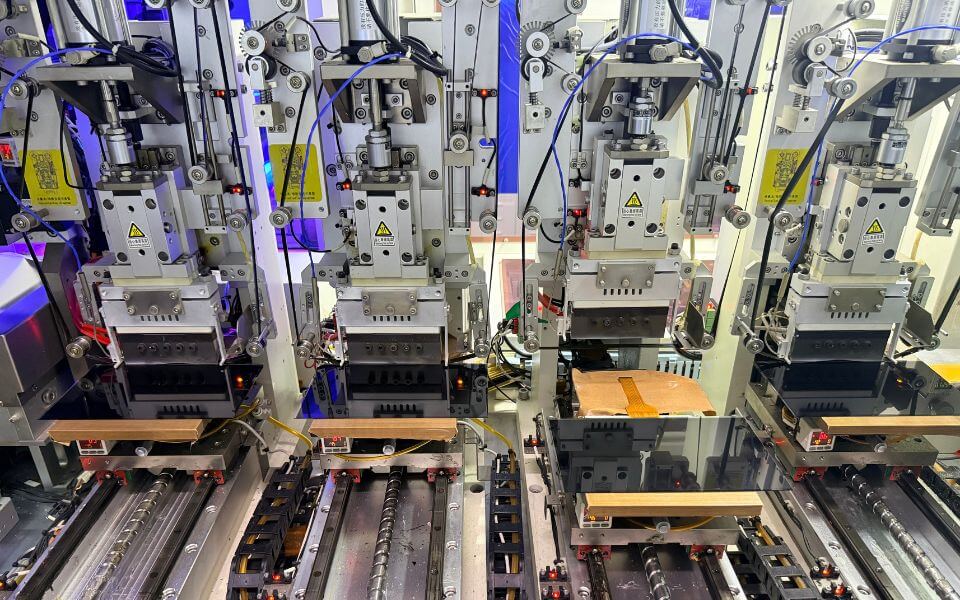
In-House LCD Module Manufacturing Process at TFT LCD Module Factory
LCD module production includes mother glass cutting, backlight assembly, COG/FOG bonding, and LCM assembly.
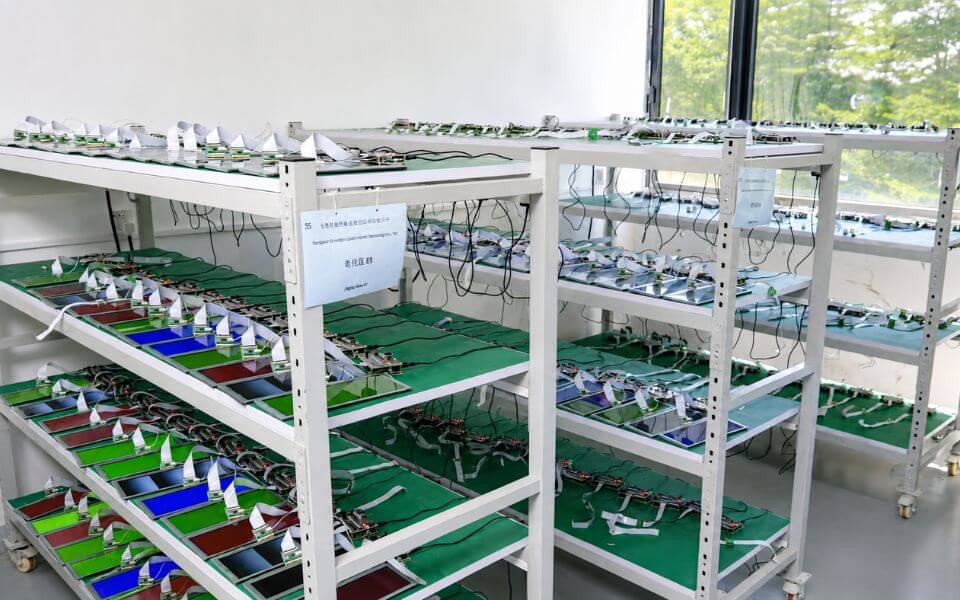 STEP 07
Display and Touch Panel Inspection for Quality Control at China LCD Display Factory
Quality control covers incoming, in-process, and final inspections, with aging tests where required.
 STEP 08
Protective LCD Module Packaging and Shipment Preparation at TFT LCD Factory
MAXEN packs LCD modules with suitable protection and performs pre-shipment checks before dispatch.
We will get back to you shortly within 24 business hours.
Thank you for submitting your inquiry. Your information have been safely routed to our inquiry center.