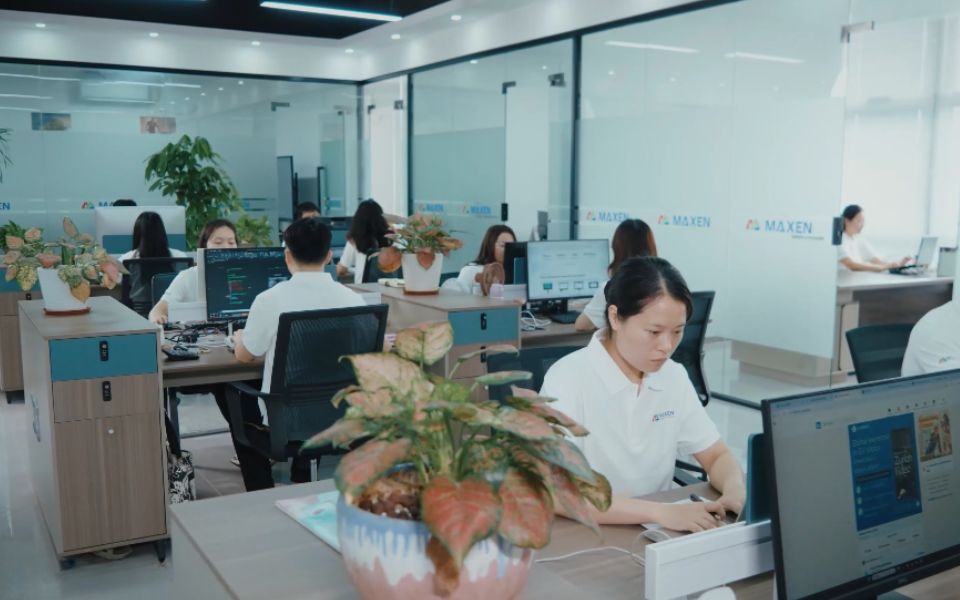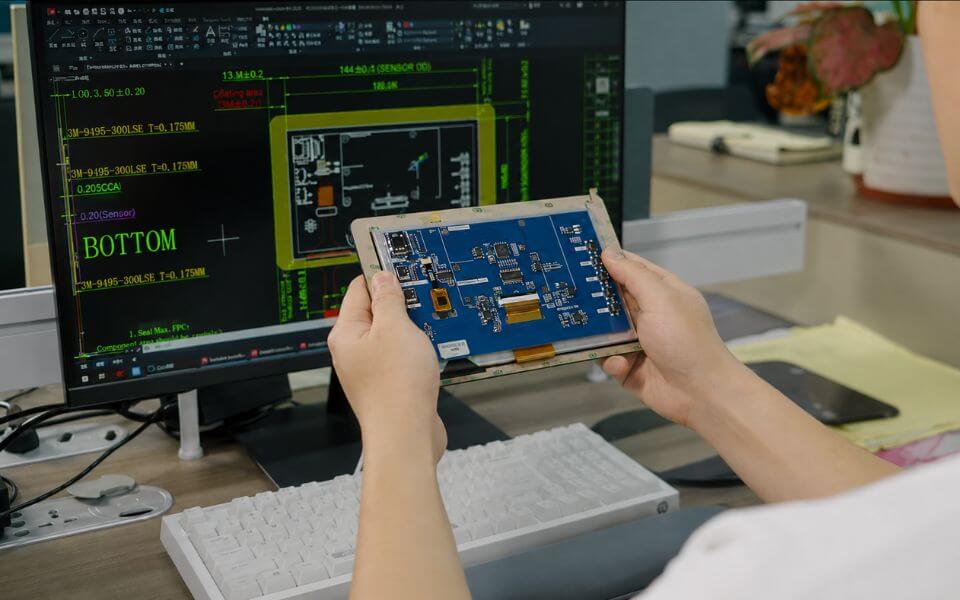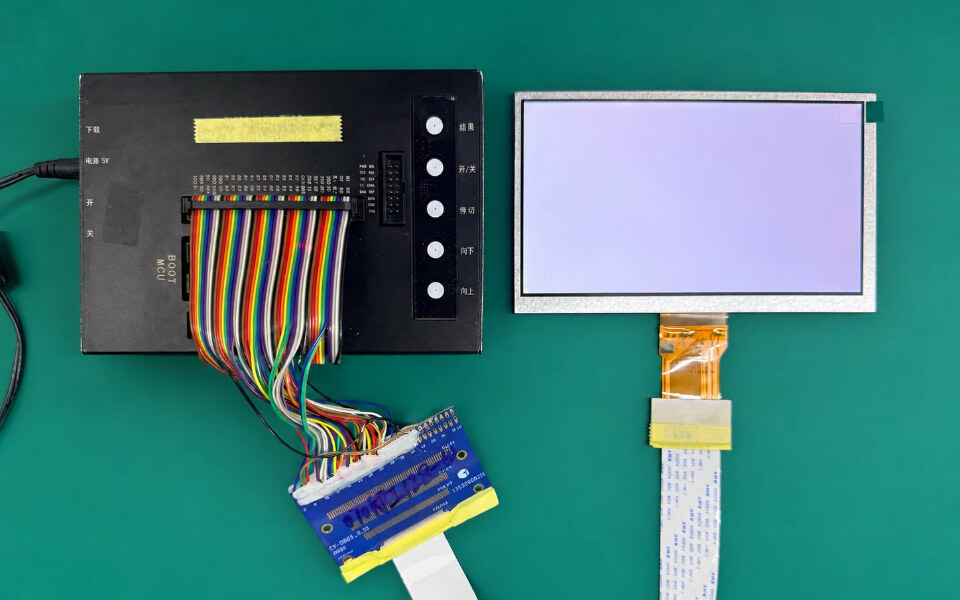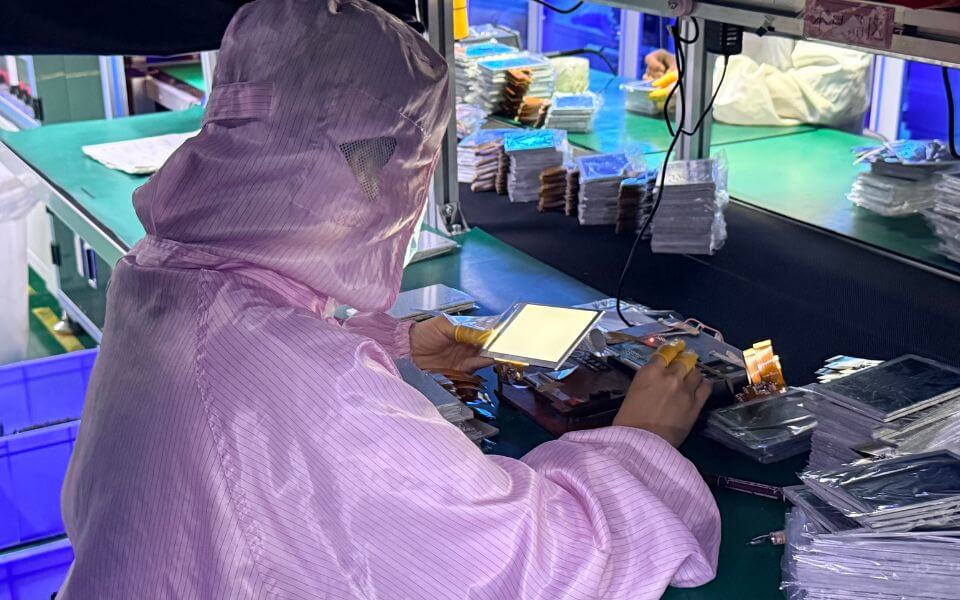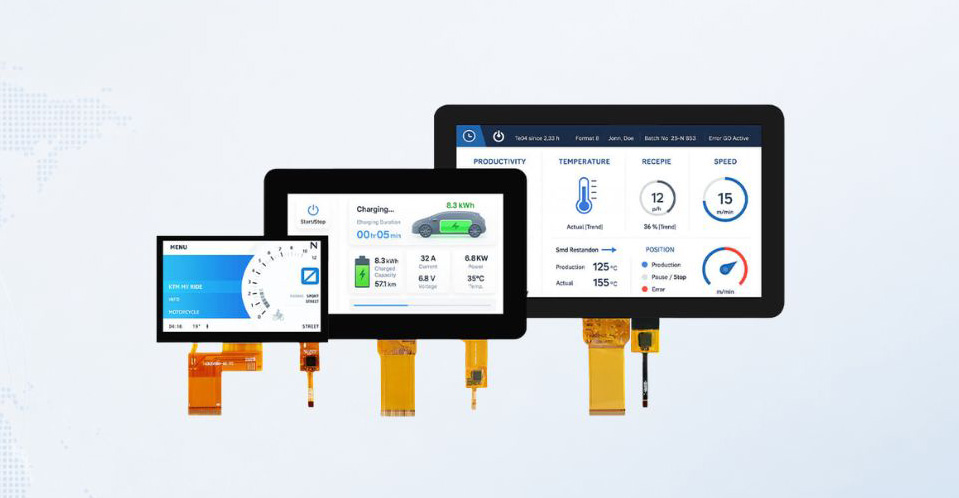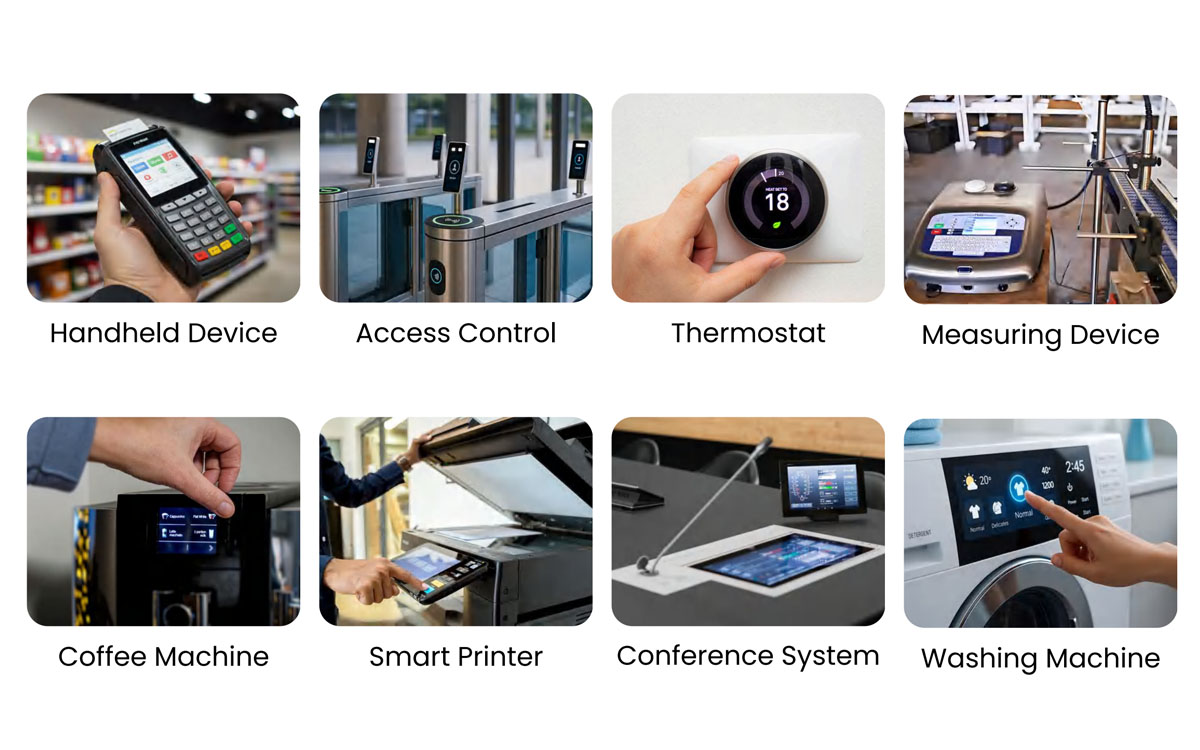

The right display starts with the equipment it will serve. A factory control panel, medical device, outdoor terminal and marine console can use similar screen sizes while placing very different demands on readability, touch operation, installation and environmental performance. MAXEN's LCD display applications section helps OEM teams connect those application needs with the display information required for a useful engineering discussion.
Explore the application areas on this page to identify the questions relevant to your device. Begin with what users need to see and do, then consider where the equipment operates, how the display connects to the electronics and how it fits inside the enclosure. Screen size and resolution are important reference points, but they are only part of the selection process. Viewing conditions, interface details, touch requirements and assembly dimensions also need to be considered together.
Use these application guides as a starting point for selecting a standard module or discussing a custom LCD display. Share your drawings, operating conditions and integration constraints with MAXEN so the conversation can focus on the configuration and evaluation work relevant to your project.
LCD Display Applications Across Four Equipment Markets
Factory automation and industrial control. Machine interfaces, production equipment and control panels need to present operating information in a form that users can read and act on. When discussing an industrial LCD display, describe the installation position, viewing distance, available space and expected operating schedule. If the equipment uses an industrial touch screen, identify whether operators wear gloves, which input actions are required and whether the front surface may encounter dust or moisture. Connector access, cable routing and the relationship between the display and enclosure should be reviewed alongside the electrical interface.
Medical equipment. An equipment interface may need to show measurements, waveforms, menus or device status, depending on its intended function. A medical LCD display enquiry should explain the information being presented, expected viewing positions, ambient lighting and required touch behavior. Share any cleaning or surface-treatment requirements that affect the front assembly. Also identify the documentation and qualification requirements for the finished device. Suitability must be assessed for the specific equipment and its intended use, with the applicable requirements defined by the device manufacturer.
Outdoor equipment. EV charging interfaces, outdoor terminals and other exposed equipment require a discussion of the complete viewing and installation environment. For an outdoor LCD display, explain direct sunlight exposure, enclosure shading, operating temperatures, potential moisture exposure and how the assembly is protected. A high brightness LCD display can be a relevant option to discuss, but the evaluation also needs to consider the cover surface, reflections, power requirements and thermal conditions inside the equipment.
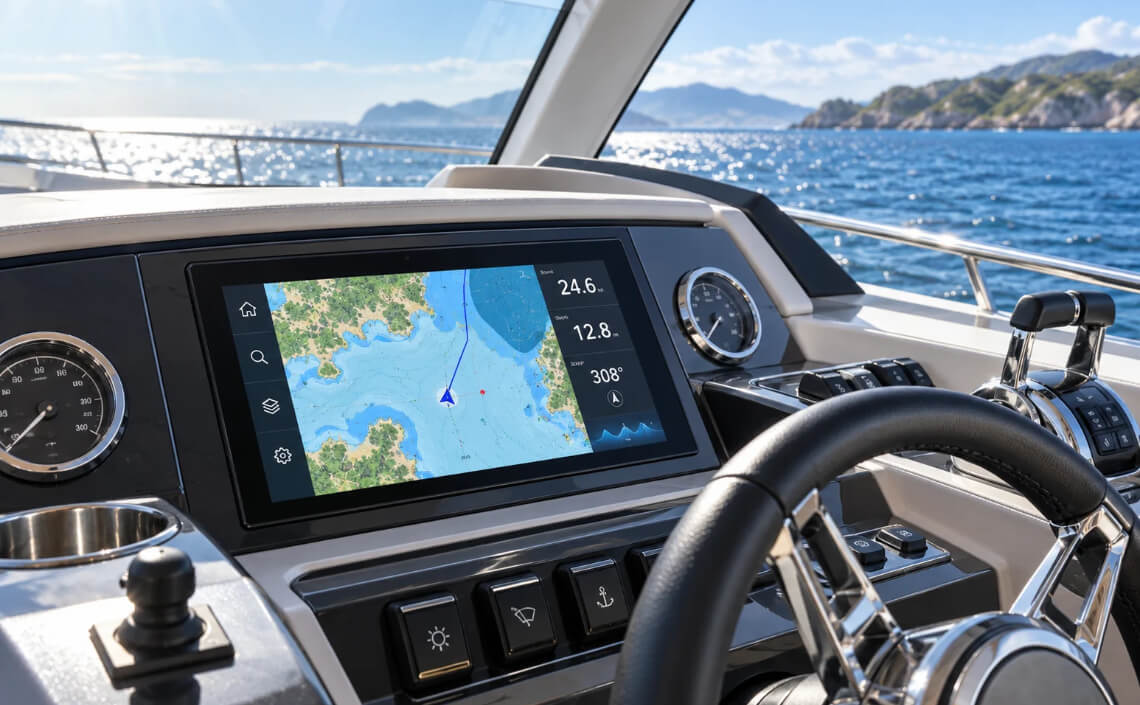
Marine electronics. Navigation consoles and other onboard interfaces may face changing daylight, low-light operation, vibration and moisture exposure. For a marine LCD display, specify the mounting location, expected viewing angles, dimming requirements and how users interact with the device. Confirm any requirements relating to gloves, wet operation, front protection and the assembled enclosure. The application guide can help frame the discussion, while the selected module and completed assembly need evaluation against the project's own conditions.
Turn the Application into a Display Specification
Translate the application description into requirements that can be reviewed. Start with the information shown on screen and the actions users need to perform. Define the preferred screen size, resolution, orientation and viewing position. Then record the operating environment, installation space, host interface and any touch requirements. Where a value is not yet decided, describe the constraint or the question that needs to be resolved.
Separate essential requirements from preferences. An existing enclosure opening or controller connection may be fixed, while the display size, cover design or user interface may still be open for discussion. Sharing that distinction helps the project team assess possible configurations without treating every initial preference as a final limit.
Refer to the relevant application area above for context, then use the exact model specification and drawing for detailed comparison. Application examples explain the design questions to consider. They do not establish that every module is suitable for every device in the same industry.



Select the Display, Touch Panel and Integration Approach Together
Readability and image presentation. Define what users must read, from which positions and under which lighting conditions. Discuss resolution in relation to the intended content and screen size. Include brightness expectations, viewing direction and any need for dimming. Where reflections or the cover assembly affect the viewing experience, discuss the complete stack rather than judging the LCD alone. If optical bonding is being considered, confirm its suitability and the available configuration for the selected project.
Touch operation and the front surface. Explain whether the device needs touch input, which gestures or controls it uses and whether operation with gloves or moisture is required. Review the touch area, cover dimensions, mounting method and controller connection. Requirements for the front assembly should be assessed as a system, including the touch panel, cover components and enclosure. Confirm the available touch configuration and test it under the intended operating conditions.
Electrical and mechanical integration. Match the display interface and electrical requirements to the host electronics. Review connector type, pin assignment, cable orientation, outline dimensions and thickness against the installation drawing. Similar-looking modules should not be assumed interchangeable. Include any controller-board requirements or restrictions on available connections early, so sample evaluation addresses the intended integration rather than an unrelated bench setup.
Environment and repeat orders. Share expected operating and storage conditions, duty cycle and any required evaluation procedures. State the conditions and acceptance criteria needed for your equipment rather than relying on broad descriptions such as industrial or outdoor. For an existing design or a planned series of orders, also explain revision-control requirements, replacement constraints and the documentation your team needs. Confirm model availability, proposed changes and project-specific commitments directly with MAXEN.
Discuss Your OEM Display Project with MAXEN
A focused enquiry makes the first technical review more useful. Tell us the equipment type, what the display needs to show and how users will operate it. Include the preferred size and resolution, electrical interface, installation drawing, brightness expectations, touch requirements and operating environment. If you are replacing a display, provide the existing part number and identify the dimensions or connections that must remain compatible.
For a custom LCD display enquiry, include the features that need discussion, such as the cable arrangement, cover dimensions, touch configuration or complete assembly. Share your target sample schedule, estimated order quantity and any required inspection or documentation criteria. If some details are still undecided, explain the constraints and the development stage so the next discussion can focus on the missing information.
Before moving from a proposed configuration to production planning, agree on the specifications and the scope of sample evaluation. Review appearance, fit, interface behavior and touch operation in the intended device. Contact MAXEN with your application requirements to discuss the relevant product information, available options and next steps for your project.