
How Capacitive and Resistive Touch Screens Detect Input
Capacitive and resistive touch screens convert user input into an electrical signal in different ways. Capacitive sensing detects changes in an electric field, while resistive sensing registers pressure between conductive layers. For industrial equipment, the right choice depends on gloves, moisture, cleaning methods, touch behavior, optical requirements, and controller integration rather than a universal ranking of the two technologies.
Understanding the sensing method helps engineers predict how an interface will behave in daily use and which conditions need validation during prototyping.
Capacitive touch uses a conductive sensing field
A capacitive touch screen senses a change in the electrical field at the sensor when a conductive object, typically a finger, approaches or contacts its surface. Projected-capacitive designs can support multi-touch gestures, but actual behavior depends on the sensor, controller, firmware, cover lens, and system tuning. Standard gloves may reduce sensitivity; glove-compatible operation must be confirmed with the intended glove material and thickness. Water, conductive residue, and electrical noise can also affect performance, so test the device under real operating and cleaning conditions.
Resistive touch responds to applied pressure
A resistive touch screen detects pressure that brings conductive layers into contact. Because input is based on pressure rather than the electrical properties of a finger, it can work with many gloves, a stylus, or another suitable non-sharp implement. The design can suit interfaces that need deliberate single-point input or that operate where users do not remove gloves. Optical transmission, touch feel, and durability depend on the specific stack and construction, so compare actual samples instead of assuming every resistive panel behaves alike.
How to Choose a Touchscreen for Industrial Equipment
Selection should begin with how operators interact with the equipment and what the display assembly must withstand. Confirm touch behavior together with the cover lens, mounting method, display, controller, and host system before freezing the design.
Match touch behavior to gloves, moisture, and workflow
List the actual input tasks: tapping small controls, dragging, handwriting, or entering data with gloves. Record glove type, likely water or oil exposure, cleaning agents, expected touch frequency, and whether operators need more than one touch point at a time. These conditions help narrow the sensor technology and identify where a test is necessary. For outdoor or wash-down equipment, evaluate reflections, water behavior, sealing, and cleaning compatibility as part of the enclosure design; touch technology alone does not establish an ingress-protection rating.
Validate the complete touchscreen assembly before production
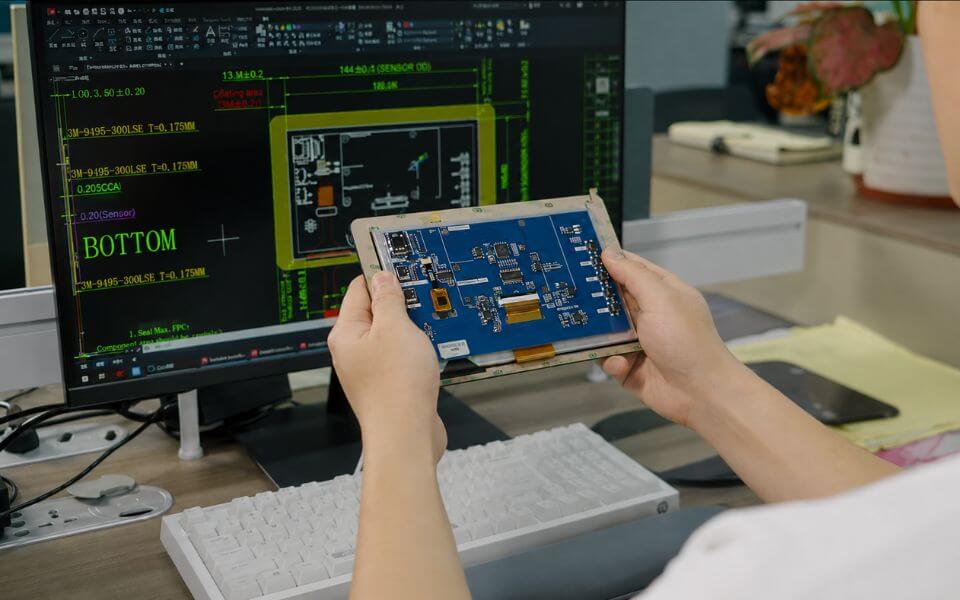
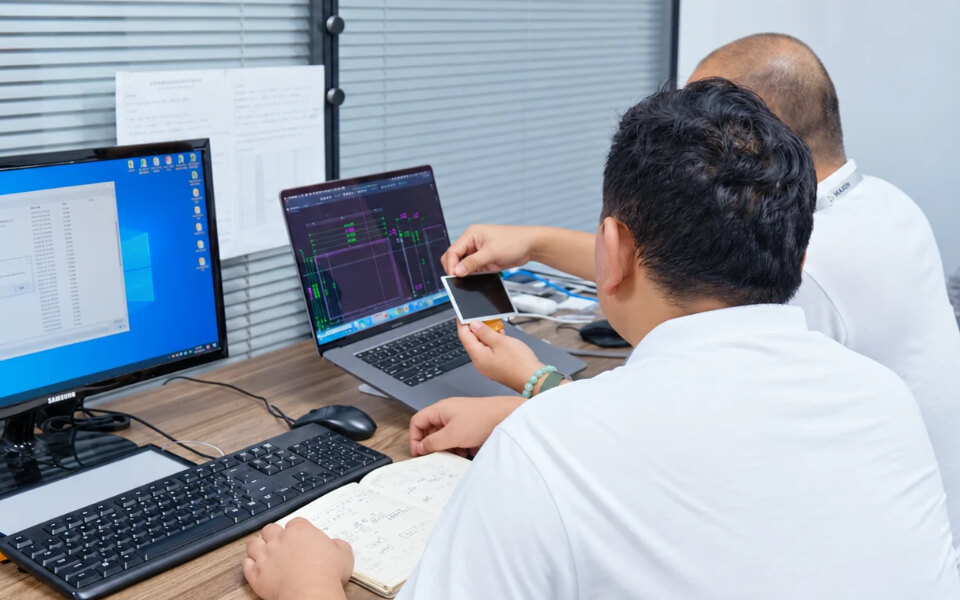
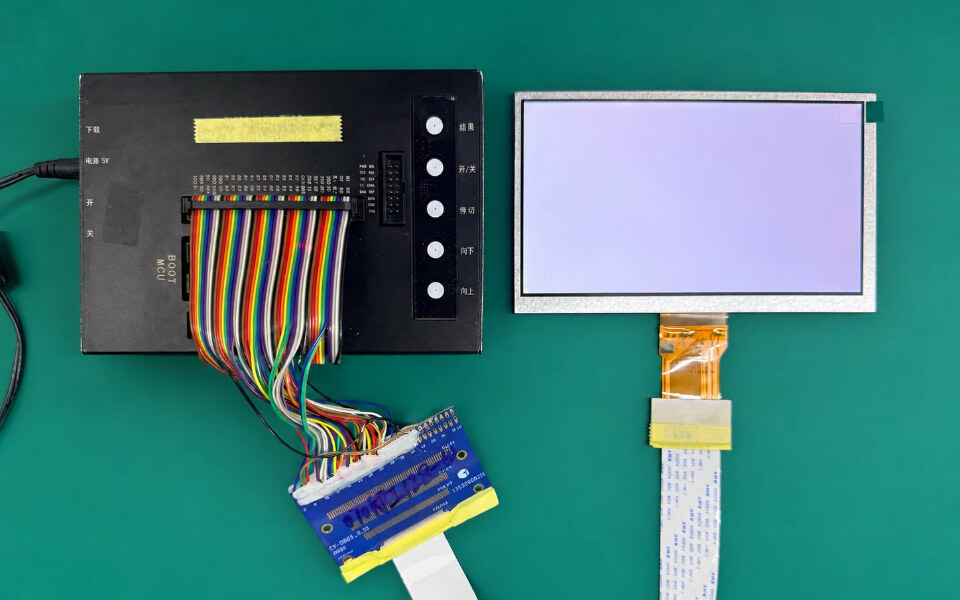
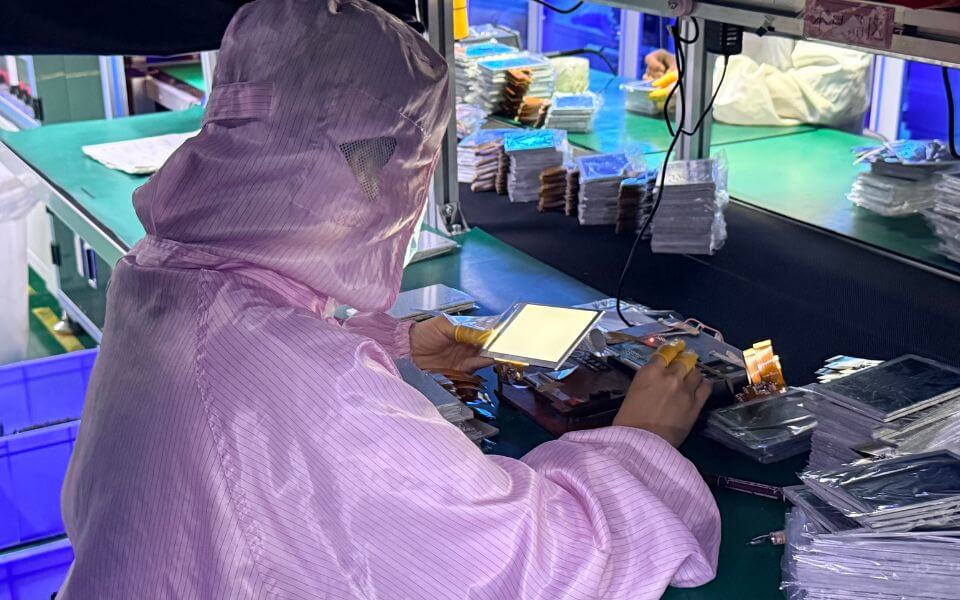
The touch sensor is only one part of the interface. Confirm active-area dimensions, cover-glass thickness and finish, optical-bonding requirements, controller placement, cable routing, host interface, firmware behavior, and mounting tolerances. Test the final mechanical stack with the actual display and enclosure, including intended gloves and environmental conditions. For an OEM project, sharing drawings, operating scenarios, and interface requirements early helps MAXEN assess feasibility and identify the samples or engineering checks needed before a production decision.