
Choosing Between Stretched Bar and Round LCD Formats
Stretched bar and round LCD displays let equipment designers place information in an enclosure where a conventional rectangular screen does not fit the product or user interface. Their geometry changes more than the visible outline: active area, resolution, content layout, mounting, electronics, and touch behavior must all be planned together. Early mechanical and visual prototypes help determine whether a standard module or a custom display assembly is appropriate.
Start with the shape of the information and the available installation space. A display format works best when the interface is designed around the panel rather than squeezed into it at the end of a project.
Stretched bar LCDs suit information arranged along one axis
A wide, short screen can present status indicators, timelines, instrument readings, menus, or control information that naturally follows a horizontal or vertical path. The usable resolution and aspect ratio determine how many items can be shown legibly; a very wide layout may still need larger type, clear grouping, and a deliberate scrolling strategy. Confirm the viewable area, bezel opening, orientation, viewing direction, and cable exit before choosing the module. If touch is required, check that the active touch area and user actions remain practical along the full length.
Round LCDs need interface design for a circular active area
A round display can support gauges, status rings, compact controls, or a product face designed around a circular window. The visible panel shape does not automatically mean every pixel is used as a circular image area: the module’s actual active region, resolution, driver, and software mapping define what can be displayed. Keep critical text and touch targets away from corners or narrow edge regions, and confirm whether the desired graphic layout can be rendered by the host system. A round cover lens or touch panel may also require a specific mechanical and optical design.
Engineering Nonstandard LCD Formats for OEM Products
Unusual geometry is a system integration task. Review the panel, enclosure, display electronics, user interface, and production process together before fixing the design.
Verify the mechanical envelope and integration interfaces
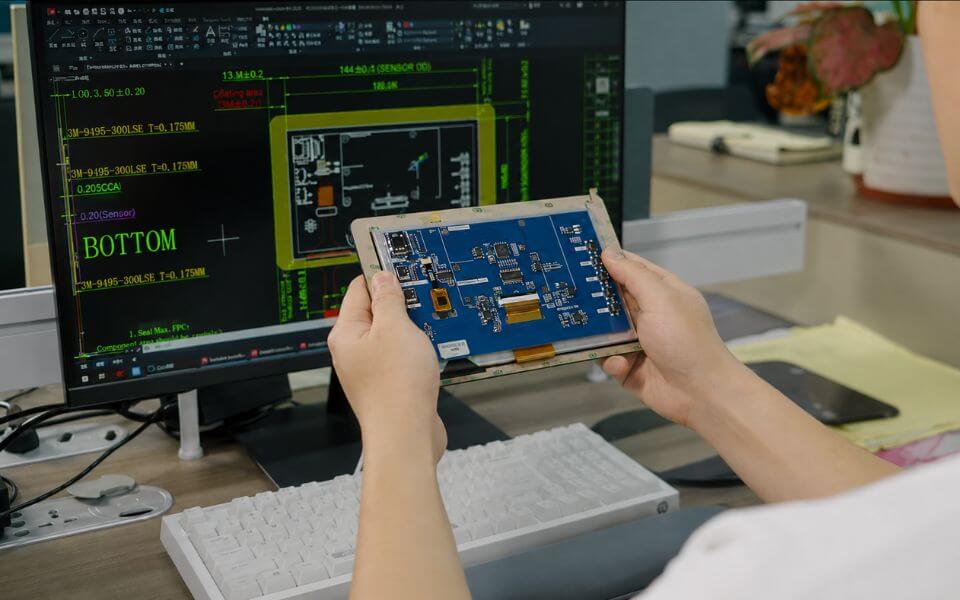
Provide the enclosure opening, mounting points, depth constraints, connector location, cable bend space, and intended orientation. Compare these against the active area and outline drawing rather than relying on diagonal size alone. Confirm the host interface, available resolution, display timing, power, backlight control, and operating environment. If a touch layer or cover glass is needed, review its shape, edge treatment, bonding approach, and sealing method. These details help identify whether an available module fits or whether a custom cover, touch sensor, or mounting structure should be evaluated.
Prototype content, touch, and manufacturability together
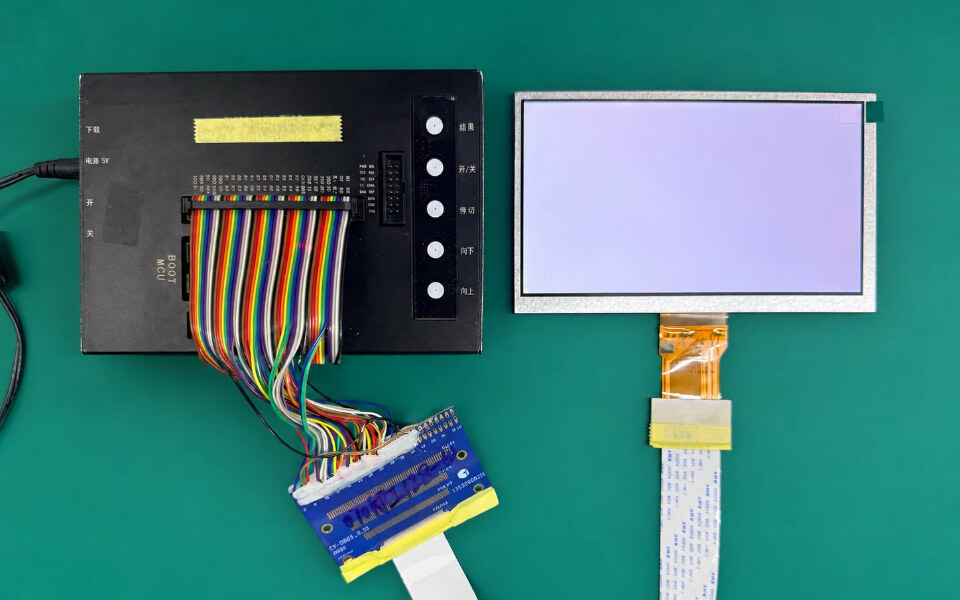
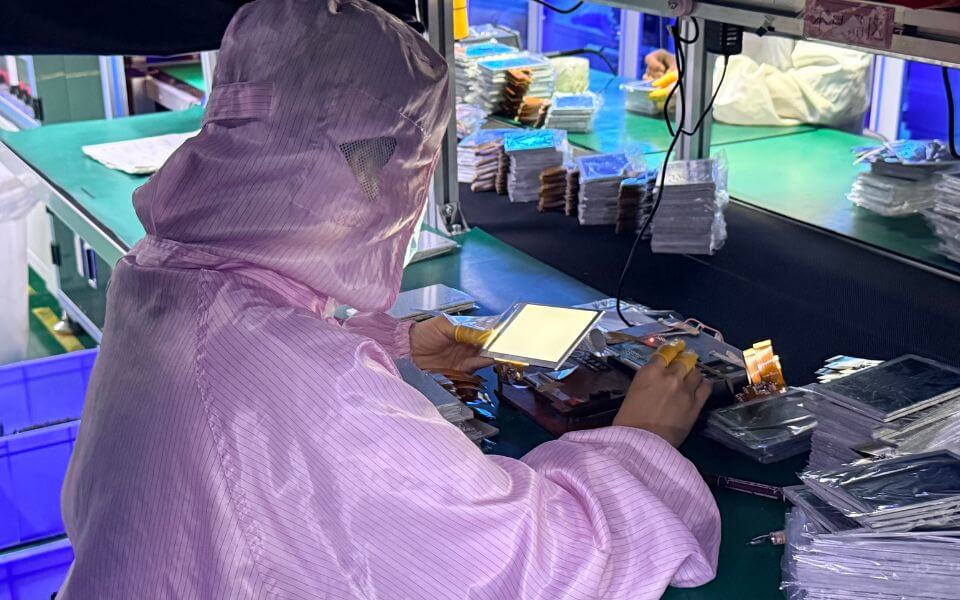
Test the actual application graphics at the intended viewing distance and angle. For touch versions, evaluate target spacing, edge response, glove use, and the chosen controller with the final cover stack. Check that the display remains readable in the product’s ambient light and that heat, vibration, and service access are addressed in the enclosure. MAXEN can review drawings, interface requirements, and the proposed display format with OEM teams to assess integration feasibility. Confirm final dimensions, performance, tooling, and supply details against the selected design before production release.